Upgrade Autopilot Firmware Remotely
The firmware of the Pursuit autopilot can be upgraded to ensure the software stability and obtain the latest improvements.
Connect the computer to the Internet, and start our customized QGroundcontrol software, refer to Quick Start for downloads and installation.
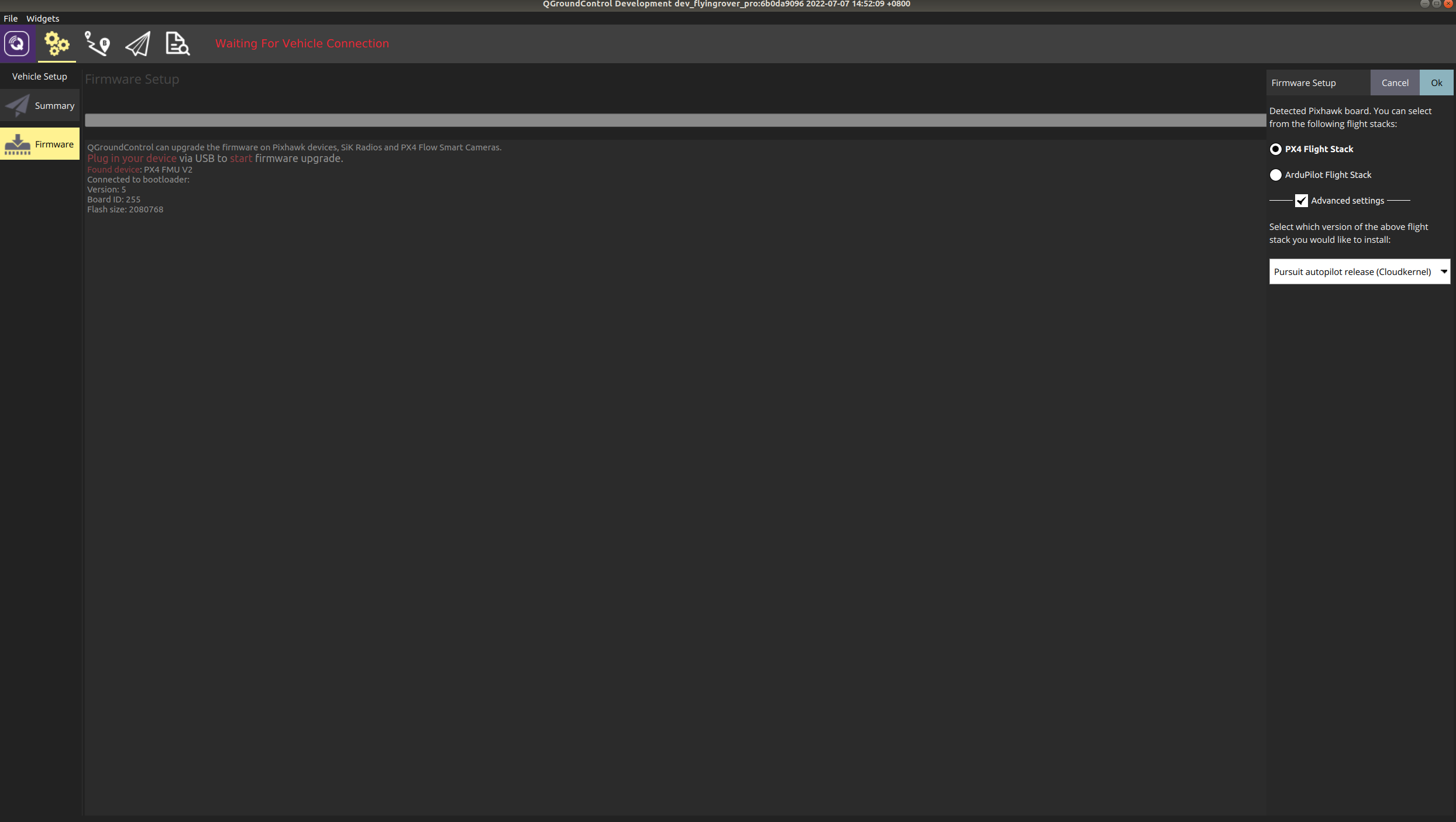
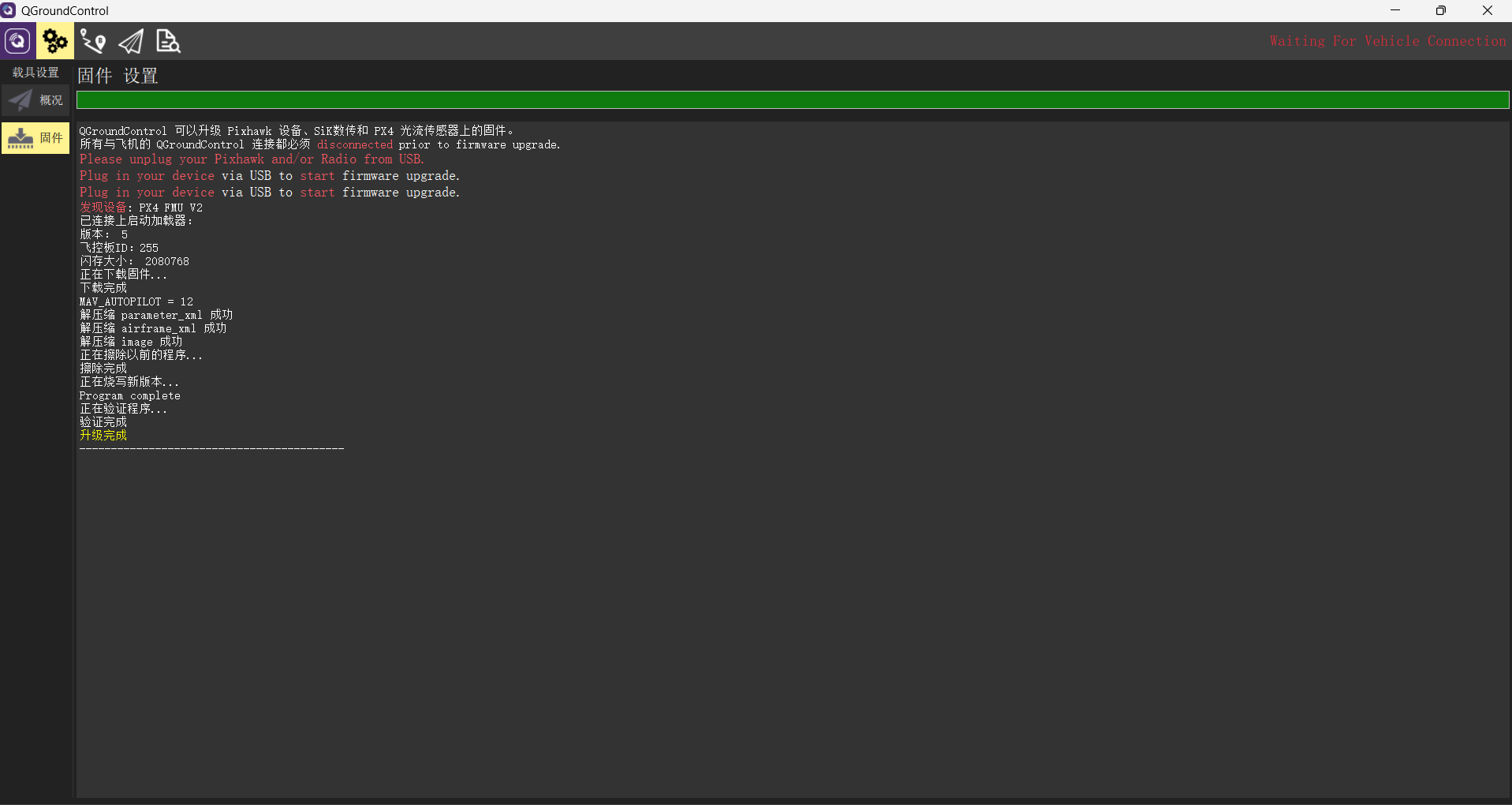
Select the Firmware tab under the Setting menu. Disconnect the DC power for the autopilot and connect the debug port to the computer via the provided Micro USB cable. Click the Advanced settings at the right side, and select the option “Pursuit autopilot release (Cloudkernel)”. Then the automatic upgrade process can be triggered by clicking the “OK” button in the upper right corner. When the flashing progress bar is complete, the QGC console will display ‘Upgrade Successful,’ as shown in the figure below. If not successful, please check if the computer is connected to the internet and repeat the above process.